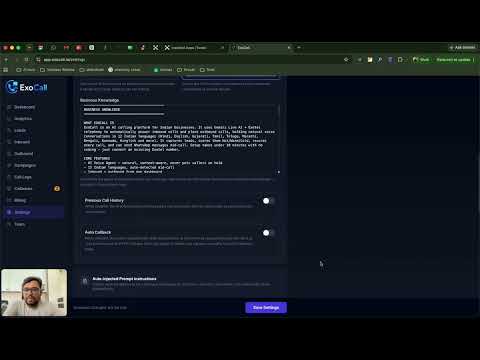
Step 1
Set Up Agent Persona & Business Knowledge
Give the AI its name, voice, languages and everything it should know.
Read the written guide →Every step of getting ExoCall running, on video — from setting up your agent to launching a campaign. Follow along in your own dashboard.
ExoCall Explained: Complete Platform Walkthrough
The whole platform end to end — start here if you are new.
In the order you'll do them.
Step 1
Give the AI its name, voice, languages and everything it should know.
Read the written guide →
Step 2
Make your first AI call and check how it sounds before going live.
Read the written guide →
Step 3
Upload a lead list, set calling hours, and let the AI dial the lot.
Read the written guide →
Step 4
Let the agent send a WhatsApp message in the middle of a call.
Read the written guide →
Step 5
Trigger calls from your CRM and get analysed results pushed back.
Read the written guide →Enter your number and our AI will call you within seconds — the fastest way to hear what your customers would.